Free Chrome extension · Fall 2026 sections included

Plan your trimester right inside UCAM & UCAM Cloud

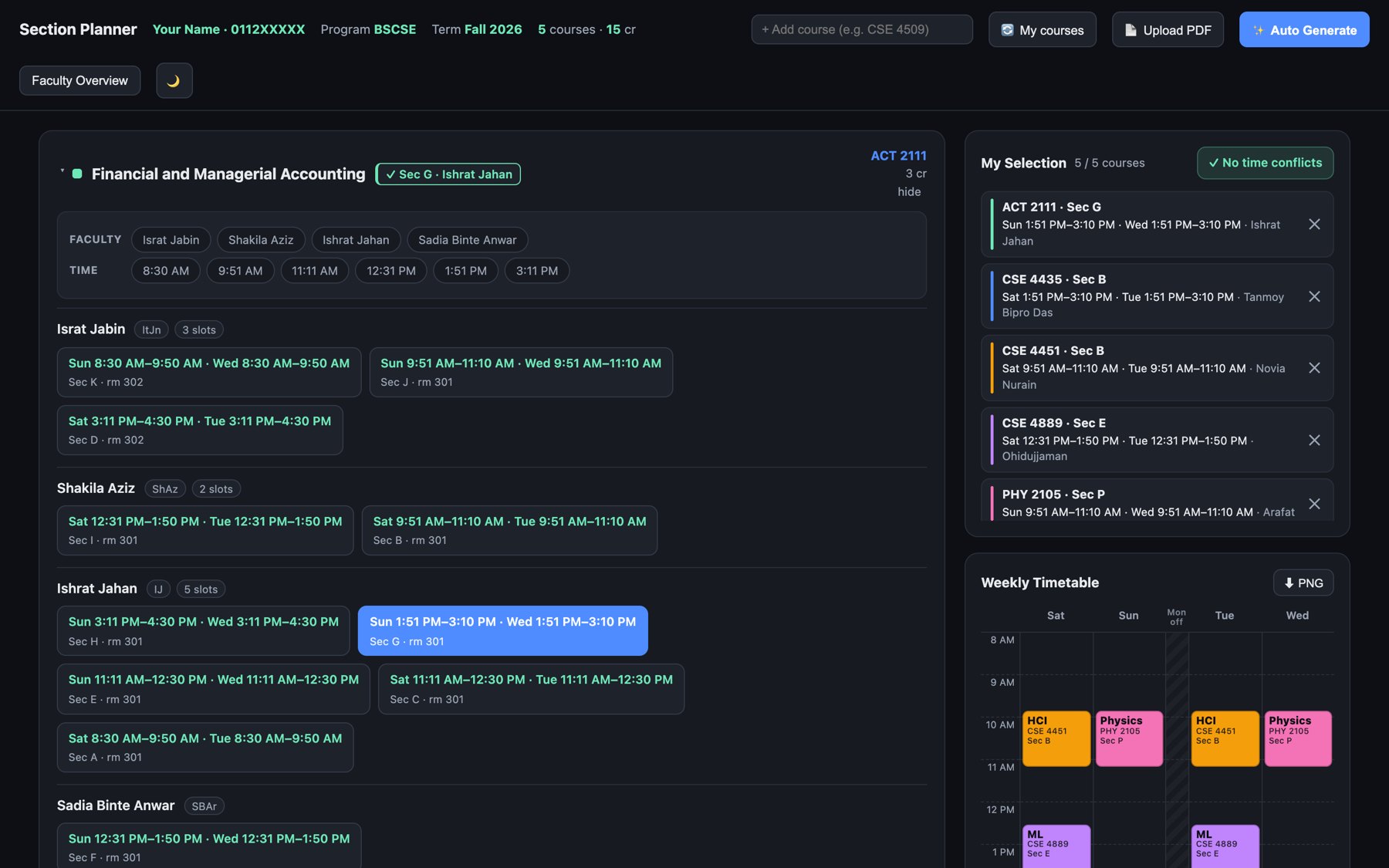
Every section, time, room and faculty for your courses on one weekly timetable — with clash warnings, auto-generate and a download-as-picture routine.

Download extension (.zip)How to use
v2.5 · 1 MB · Chrome, Brave & Edge on computer
Weekly timetableClash warningsAuto generate Filter by faculty & timeSave as PNGUpload new offerings PDF
Install: unzip open chrome://extensions turn on Developer mode Load unpacked pick the UIU-Section-Planner folder.
জিপ খুলুন chrome://extensions Developer mode চালু Load unpacked ফোল্ডারটি সিলেক্ট করুন।
How to use

From download to your finished routine, step by step.
ডাউনলোড থেকে রুটিন পর্যন্ত, ধাপে ধাপে।

1

Download the zip

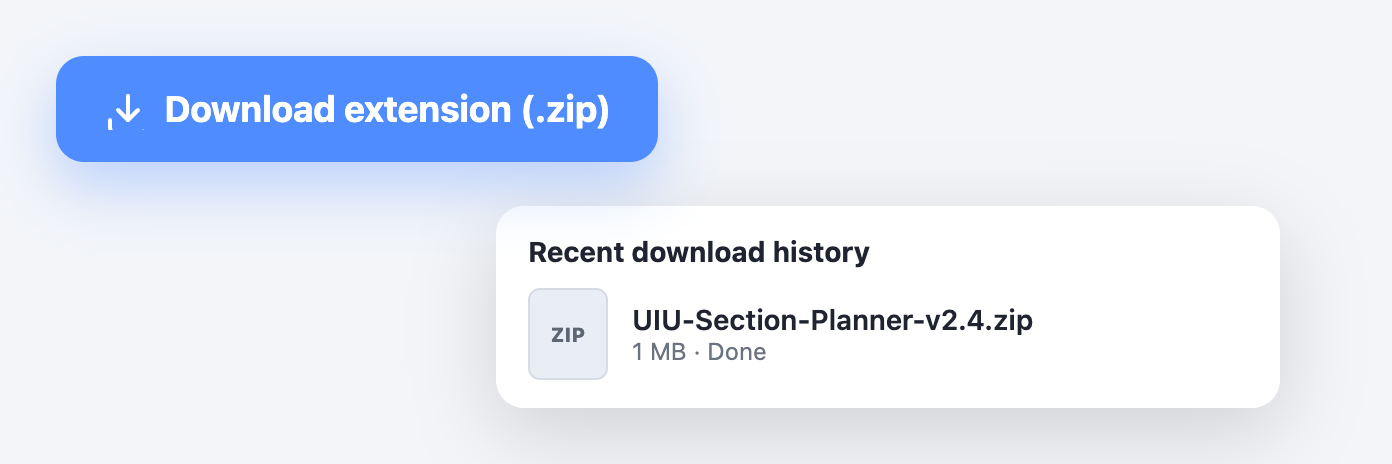
Press Download extension (.zip) at the top of this page. The file UIU-Section-Planner-v2.5.zip lands in your Downloads folder.

উপরের Download extension (.zip) বাটনে চাপুন। ফাইলটি Downloads ফোল্ডারে চলে যাবে।

Download button and finished download
2

Unzip it

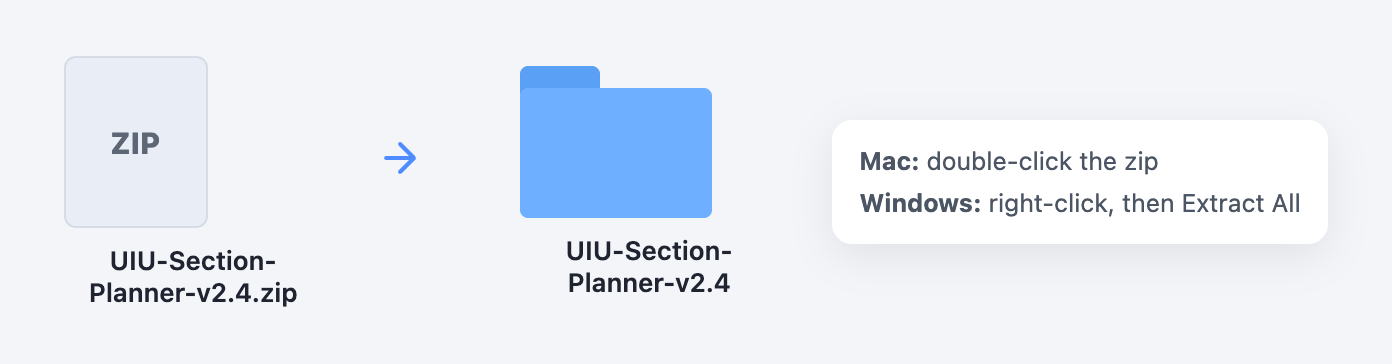
Mac: double-click the zip. Windows: right-click it, then Extract All. You get a folder called UIU-Section-Planner-v2.5.

Mac-এ জিপ ফাইলে ডাবল-ক্লিক করুন, Windows-এ রাইট-ক্লিক করে Extract All দিন।

Zip file becomes a folder
3

Open chrome://extensions

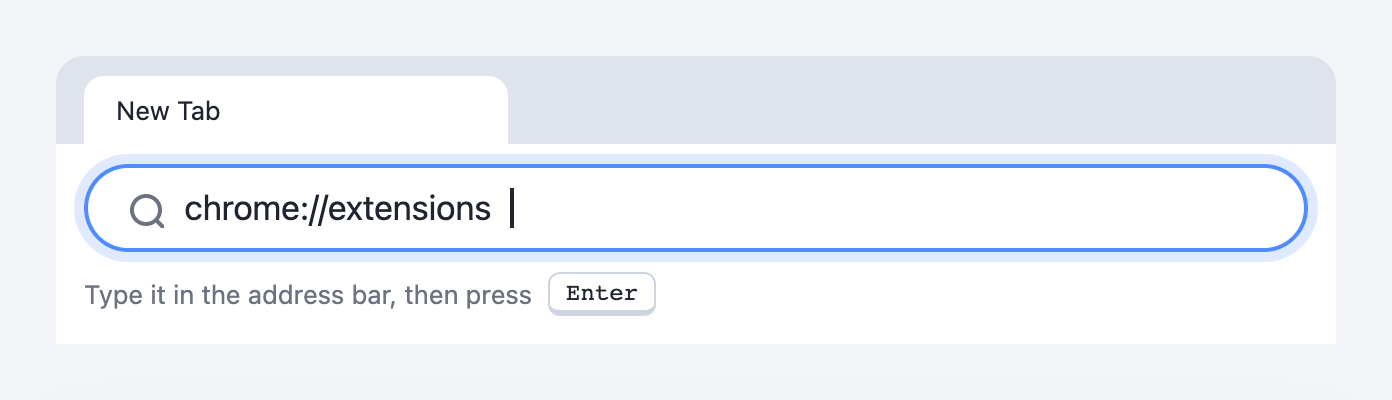
In Chrome (or Brave / Edge), type chrome://extensions in the address bar and press Enter.

ব্রাউজারের অ্যাড্রেস বারে chrome://extensions লিখে Enter চাপুন।

chrome://extensions typed in the address bar
4

Turn on Developer mode

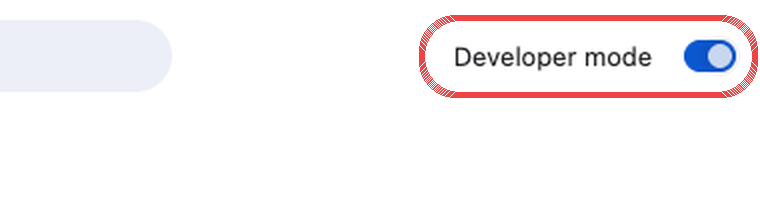
Flip the Developer mode switch in the top-right corner. Three new buttons appear on the left.

উপরে ডানদিকের Developer mode চালু করুন।

Developer mode switch turned on
5

Load unpacked — pick the folder, not the zip

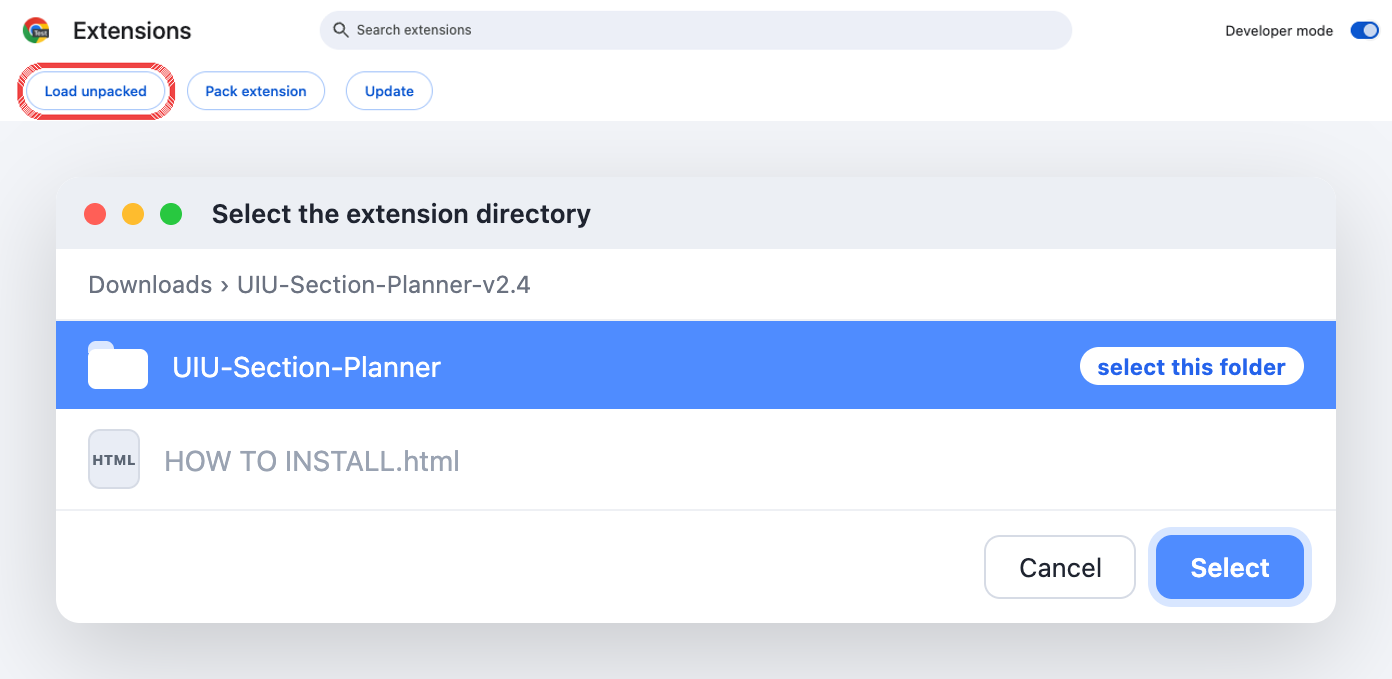
Press Load unpacked. Open UIU-Section-Planner-v2.5 and select the UIU-Section-Planner folder inside it. Chrome can't load the .zip itself.

Load unpacked চাপুন, তারপর আনজিপ করা ফোল্ডারের ভেতরের UIU-Section-Planner ফোল্ডারটি সিলেক্ট করুন — জিপ ফাইল নয়।

Load unpacked button and folder picker
6

Installed

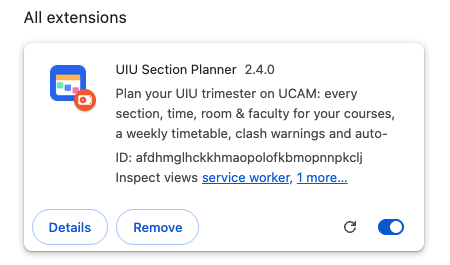
UIU Section Planner now shows in your extensions, and a welcome page opens. Keep the folder where it is — Chrome loads the extension from it.

এক্সটেনশন ইনস্টল হয়ে গেছে। ফোল্ডারটি ডিলিট বা সরাবেন না।

UIU Section Planner card in chrome://extensions
7

Log in to UCAM

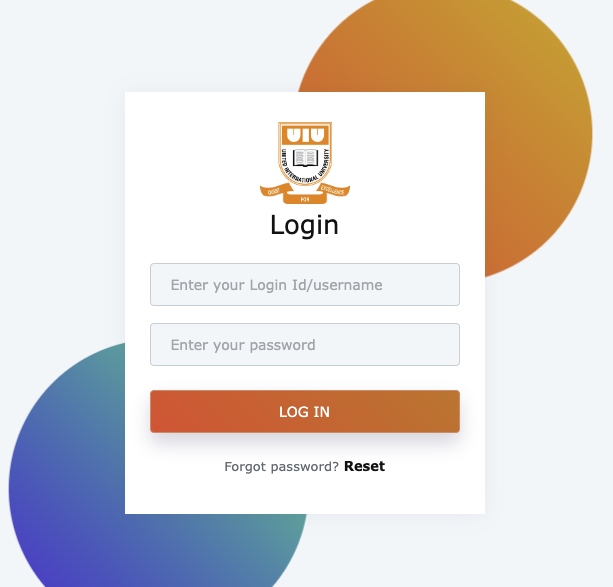
Open uiu.ucamcloud.com or ucam.uiu.ac.bd and log in with your own ID and password, as always. The extension never sees your password.

নিজের আইডি-পাসওয়ার্ড দিয়ে UCAM-এ লগইন করুন। পাসওয়ার্ড এক্সটেনশন কখনো দেখে না।

UCAM login page
8

Click “Registration” in the menu

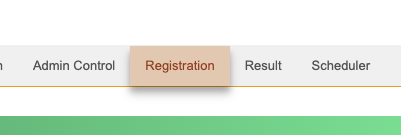
On the UCAM home page, hover or click Registration in the top menu.

উপরের মেনু থেকে Registration এ যান।

Registration menu
9

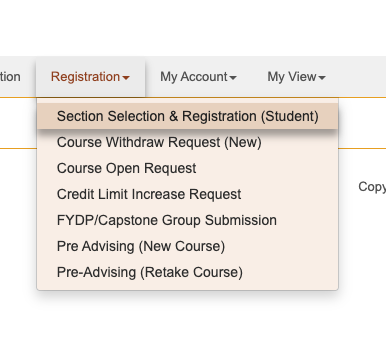
Open “Section Selection & Registration (Student)”

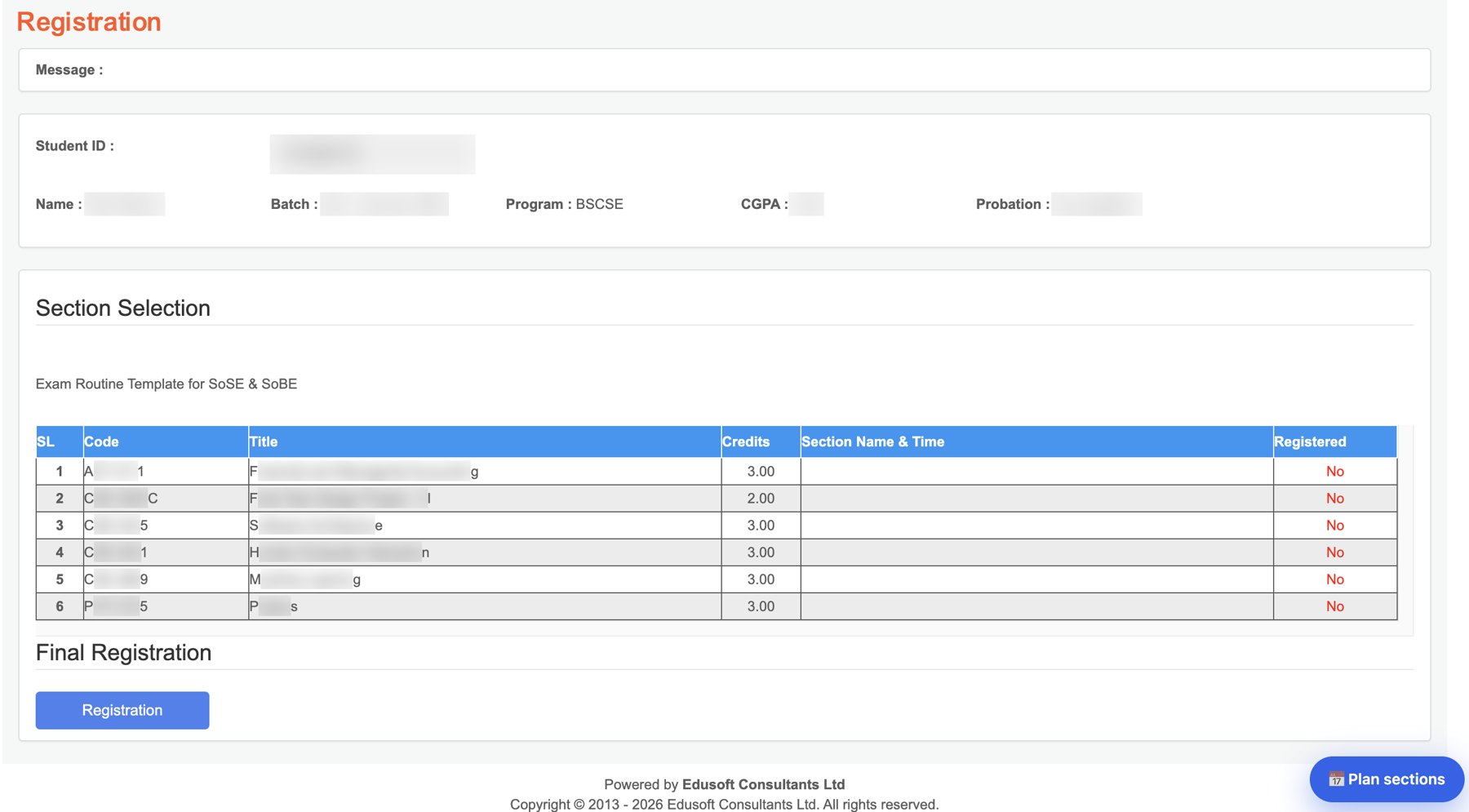
This is the page with your next-trimester course list — the extension reads your courses from here automatically.

Section Selection & Registration (Student) পেজটি খুলুন — এখান থেকেই আপনার কোর্সগুলো নিজে থেকে নেওয়া হয়।

Section Selection menu item
10

Press “Plan sections” (bottom-right)

Your courses are listed by UCAM. A blue Plan sections button appears in the bottom-right corner — click it to open the planner right on top of UCAM.

নিচে ডানদিকে নীল Plan sections বাটন আসবে, সেটাতে চাপুন।

Section Selection page with the Plan sections button
11

Pick sections — or Auto Generate

Every section of your courses with time, room and faculty. Filter by faculty or time, click a section to add it, and the weekly timetable fills in. Clashes turn red. Auto Generate finds a clash-free routine for you.

ফ্যাকাল্টি/সময় দিয়ে ফিল্টার করুন, সেকশনে ক্লিক করুন, রুটিন নিজে থেকে বানাবে। ক্ল্যাশ হলে লাল দেখাবে।

Section planner
12

Download your routine as a picture

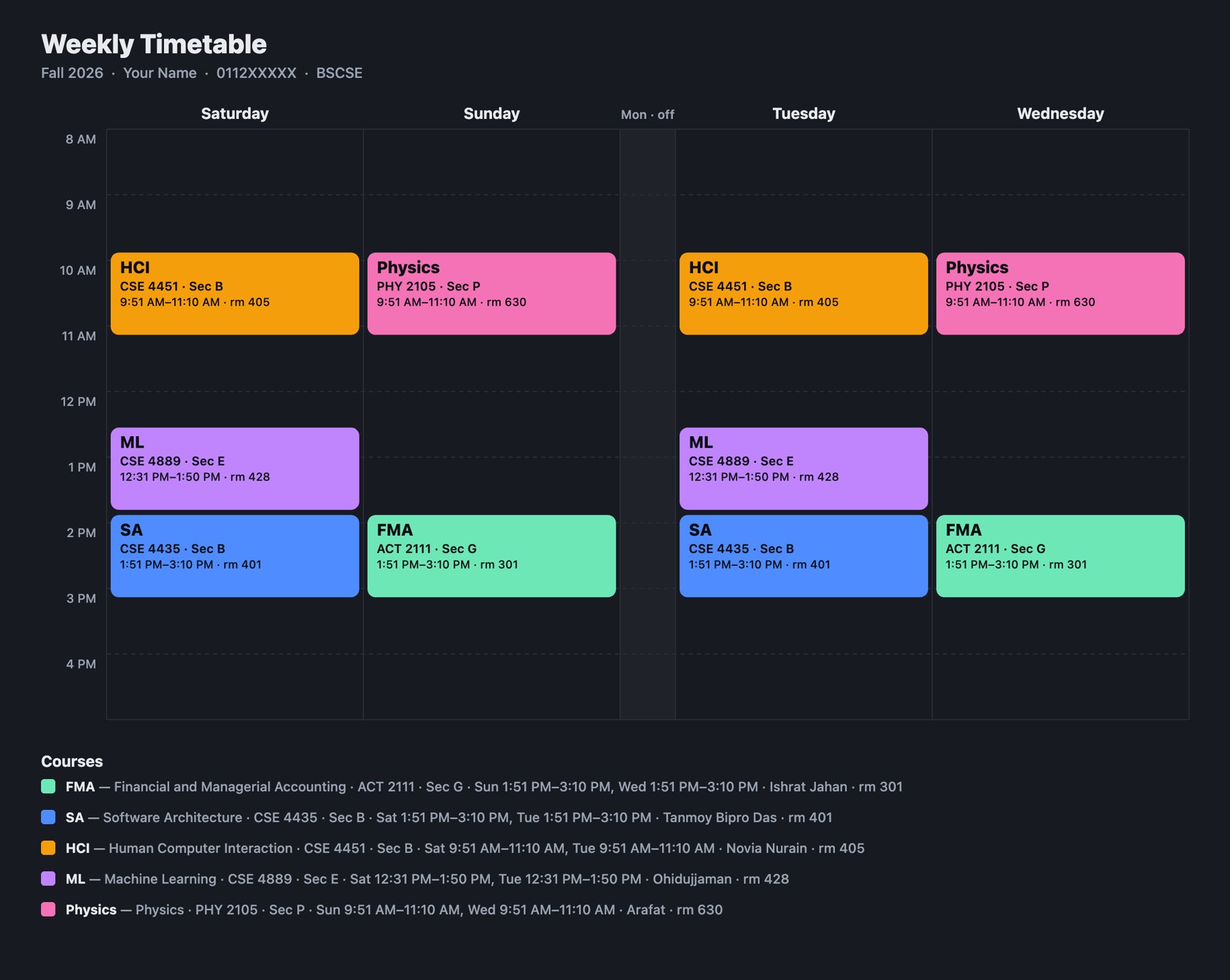
Press PNG on the Weekly Timetable to save a clean image with short course names, rooms and faculty — share it or set it as your wallpaper. Then register the same sections on UCAM.

PNG চাপলে রুটিন ছবি হিসেবে সেভ হবে। তারপর UCAM-এ একই সেকশনগুলো রেজিস্টার করুন।

Downloaded timetable image
New trimester? Get your department's Course Offerings / Class Routine PDF and press Upload PDF in the planner — sections update instantly, read only on your computer. নতুন সেমিস্টারে ডিপার্টমেন্টের Course Offerings PDF টি Upload PDF দিয়ে আপলোড করুন।